GitHub’s Spec Kit and the Ralph Wiggum loop are two of the most interesting developments in AI-assisted coding. Spec Kit structures what to build. Ralph provides relentless execution. But everyone uses them separately but there might be a better way.
This post introduces both tools, explains why they’re better together, and shares a Prompt.md pattern to bridge them. I’ll use a CLI tool I built as a demonstration, but the CLI isn’t the point. The workflow is.
The Two Camps of AI-Assisted Coding
If you’ve spent time with Claude Code, Cursor, or Copilot, you’ve probably landed in one of two camps:
Vibe coding: You prompt, watch it work, prompt again when it breaks, watch it spiral, re-prompt with more context, realize it lost track of what you were building, start over. Fast for small stuff. Falls apart the moment you need more than 50 lines of code.
Spec everything: You write detailed specs before touching any code. PRDs, architecture docs, acceptance criteria. The AI follows your instructions precisely. But you’re spending more time writing specs than you would have spent just writing the code yourself. Feels like waterfall with extra steps.
Neither is satisfying. What I wanted was structure and autonomy and to give the AI a clear destination, then let it drive without me watching the road.
What is Spec Kit?
Spec Kit is GitHub’s open-source toolkit for spec-driven development, released in September 2025. The core philosophy: “We treat coding agents like search engines when we should be treating them more like literal-minded pair programmers.”
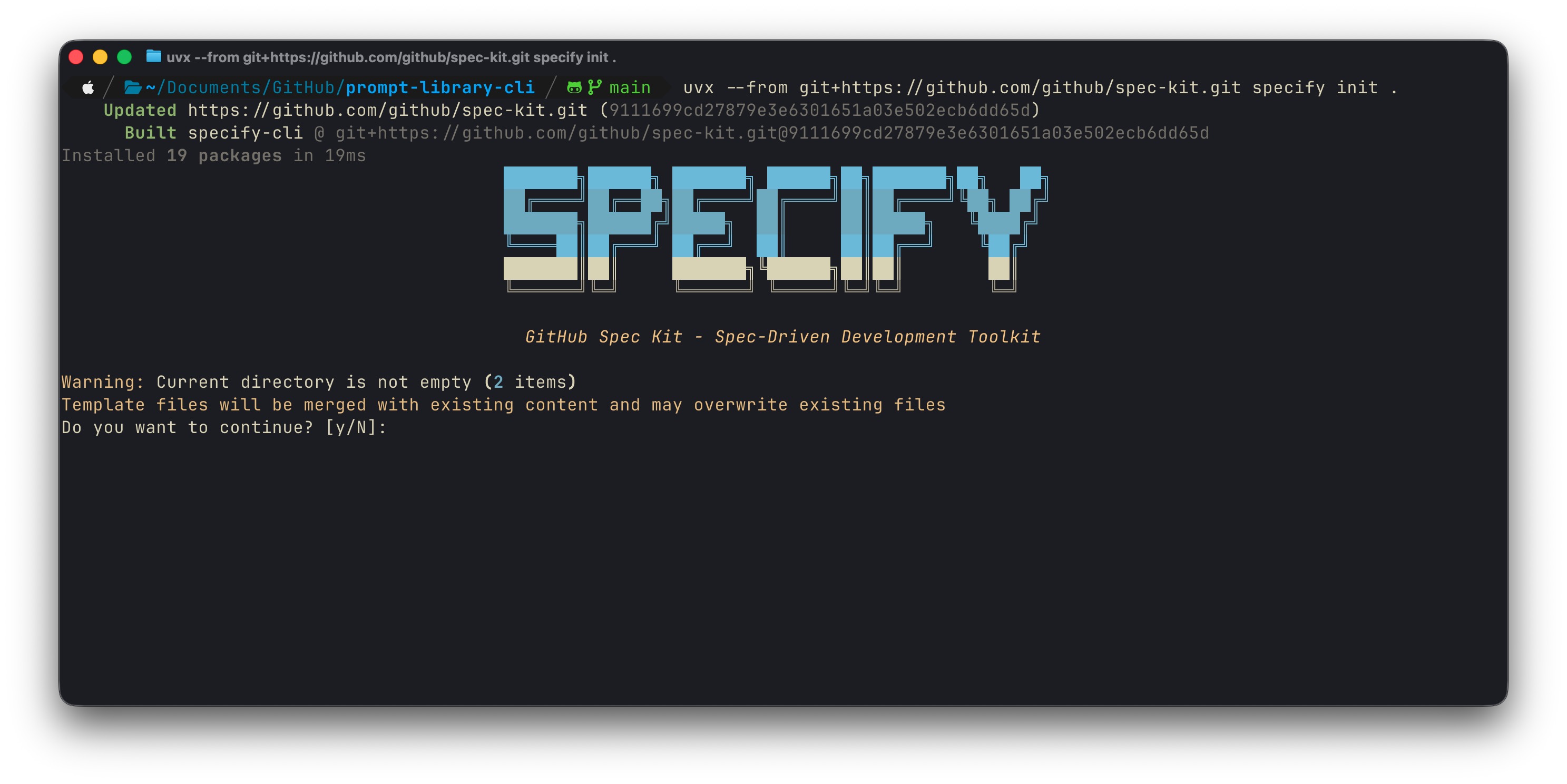
Instead of vibe-coding features one prompt at a time, Spec Kit forces you to define requirements upfront and then hands that structure to an AI agent.
The Speckit workflow:
/speckit.constitution: Define project principles and guardrails/speckit.specify: Describe what you want (not how)/speckit.plan: Add tech stack and architecture decisions/speckit.tasks: Break the plan into implementable tasks/speckit.implement: Execute tasks according to the plan
The output is structured markdown: constitution, specification, plan, and task list, all in a .speckit/ folder that becomes the source of truth.
It works with Claude Code, Copilot, Cursor, Gemini CLI, and others. Any agent that can read markdown.
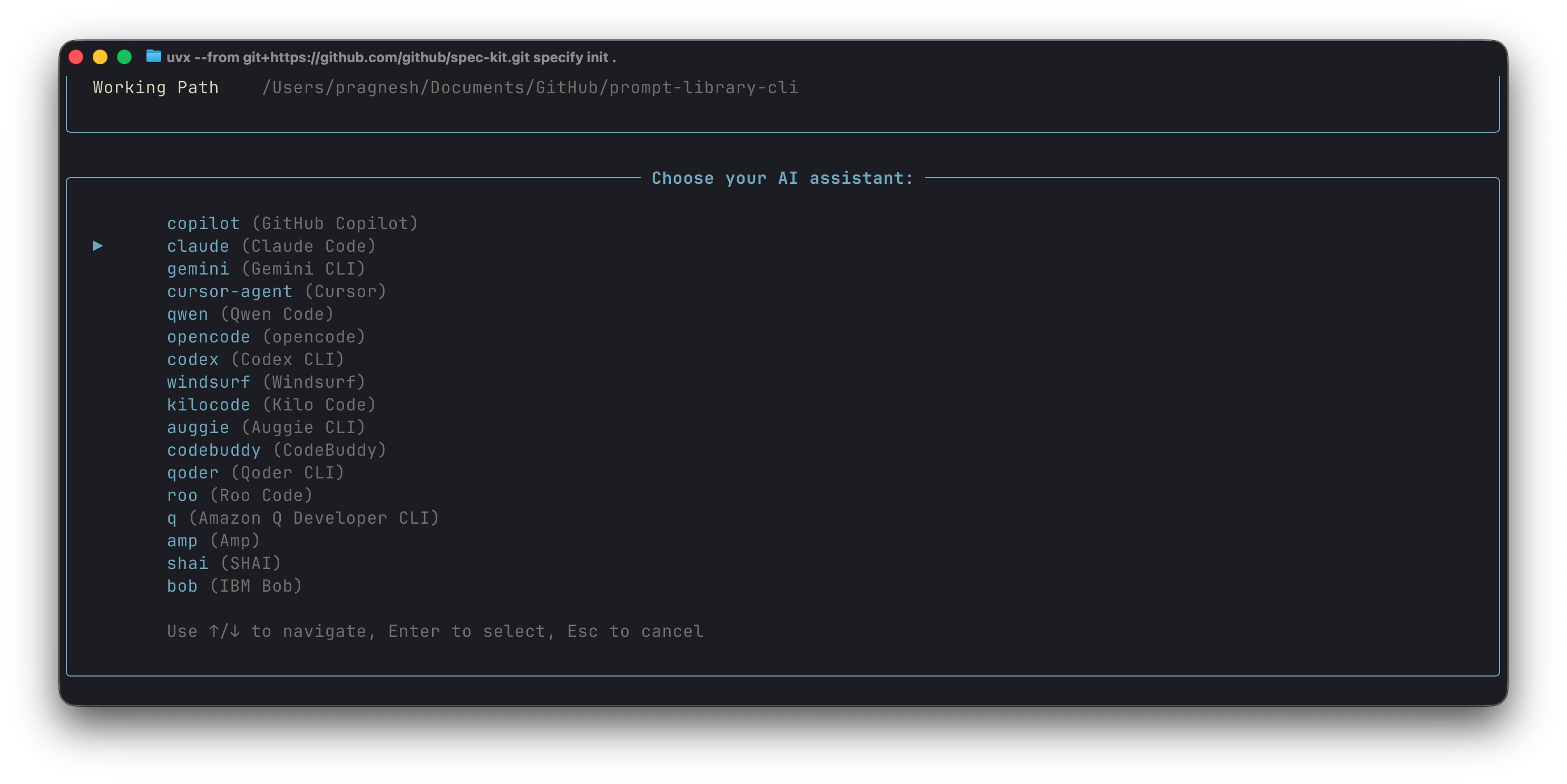
However, there are limitations to this process. You still have to babysit the implement phase. Run /speckit.implement, watch it complete a task, run it again for the next task, repeat. The spec is great but the execution is still manual and tedious.
What is the Ralph Wiggum Loop?
The Ralph Wiggum technique went viral in late 2025. Created by Geoffrey Huntley, it addresses a simple frustration: AI models are capable, but they’re hamstrung by needing you to manually review and re-prompt every error.
His solution was embarrassingly simple: a bash loop that keeps feeding the AI the same prompt until the task is done.
while :; do cat PROMPT.md | claude-code ; doneThe name comes from Ralph Wiggum, the dim but relentlessly optimistic Simpsons character. The loop embodies his spirit: keep going, keep trying, don’t give up even when you fail.
By late 2025, Anthropic formalized it as an official Claude Code plugin. You run:
/ralph-loop @Prompt.md --completion-promise "DONE" --max-iterations 100The plugin installs a “Stop Hook” inside your Claude session. Claude works on the task, tries to exit, the hook blocks the exit if the completion promise isn’t found, and feeds the same prompt back in. Claude sees its previous changes and iterates. Repeat until the promise appears.
One of the biggest limitations is that without structure, the loop can drift. It doesn’t know what “done” looks like. It might iterate forever on the wrong thing. As one practitioner noted, the key insight of Ralph isn’t “run forever” but rather “carve off small bits of work into independent context windows.”
What if we used them together?
Spec Kit gives the AI a destination. Ralph gives it persistence. But they don’t know about each other.
- Spec Kit alone = structured specs you have to babysit through implementation
- Ralph alone = persistent but directionless, no clear “done” signal
The missing piece is a Prompt.md that bridges them, telling Ralph how to consume Spec Kit’s outputs and iterate through tasks autonomously.
graph TD
    A["/speckit.constitution"] --> B["/speckit.specify"]
    B --> C["/speckit.plan"]
    C --> D["/speckit.tasks"]
    D --> E["Prompt.md"]
    E --> F["Ralph Loop"]
    F --> G["/speckit.implement<br/>(per task)"]
    G --> H{"Tests pass?"}
    H -->|No| G
    H -->|Yes| I["Mark task complete"]
    I --> J{"More tasks?"}
    J -->|Yes| G
    J -->|No| K["ALL_TASKS_DONE"]

    style E fill:#f59e0b,color:#fff
    style F fill:#22c55e,color:#fff
    style K fill:#22c55e,color:#fff
The Prompt.md Pattern
This is the bridge I developed:
Execute /speckit.implement for ALL tasks. Complete ALL tasks using speckit commands.

Each iteration:

1. Read .specify/tasks.md
2. Count incomplete tasks (lines without [x])
3. If zero incomplete tasks remain, output <promise>ALL_TASKS_DONE</promise> and stop
4. Otherwise, pick the FIRST incomplete task
5. Execute /speckit.implement for that task
6. Read .specify/plan.md for architecture context
7. Read .specify/spec.md for requirements and constraints
8. Implement following the plan's technical decisions
9. Write tests that validate the acceptance criteria
10. Run tests and fix failures
11. Update tasks.md to mark task complete with [x]
12. Commit: git add -A && git commit -m '[speckit] Implement: <task_name>'

Constraints:

- Follow the constitution in .specify/memory/constitution.md
- One task per iteration, smallest possible scope
- Tests must pass before marking complete
- If blocked, document in tasks.md and move to next task

Do NOT output the completion promise until tasks.md shows zero incomplete tasks.
How this works:
- One task per iteration: Prevents drift, keeps scope tight
- Tests as gates: Task isn’t “done” until tests pass
- Context reload: Re-reads plan.md and spec.md so Claude doesn’t lose the plot
- Self-updating progress: tasks.md becomes the single source of truth
- Machine-readable completion:
<promise>ALL_TASKS_DONE</promise>tells Ralph when to stop
The prompt exploits something fundamental about LLMs: they’re stateless, but the filesystem isn’t. Each iteration, Claude sees the code and task list from previous iterations. The state accumulates in the files, not in the model’s context.
Lets see this in action
To demonstrate this workflow, I built a simple CLI tool. The tool itself doesn’t matter. What matters is seeing how Spec Kit and Ralph work together.
Phase 1: Spec Kit (~15 minutes, human-guided)
I ran the four Spec Kit commands, providing input at each stage:
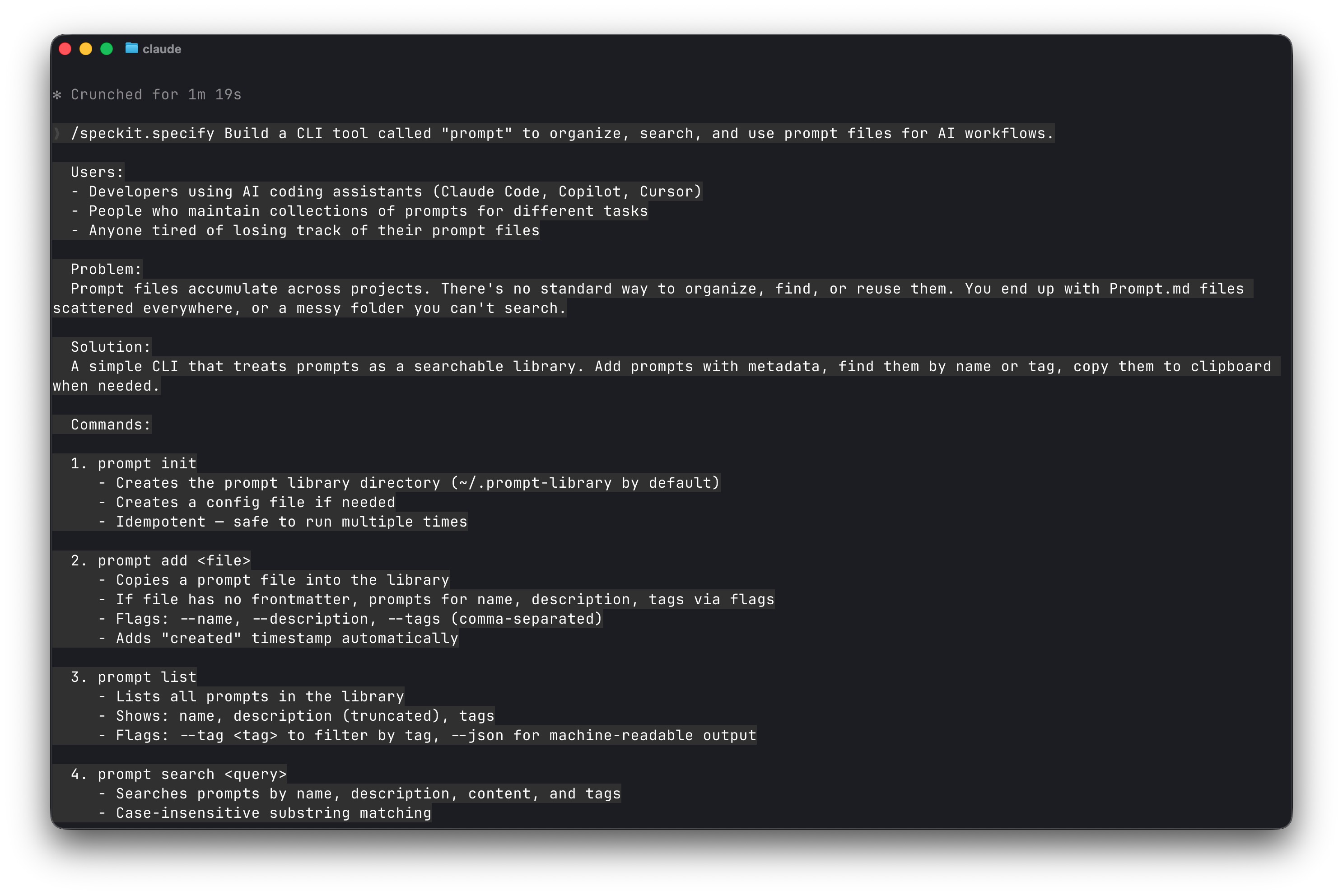
Spec Kit generated 52 tasks across 9 phases. Each task had clear acceptance criteria.
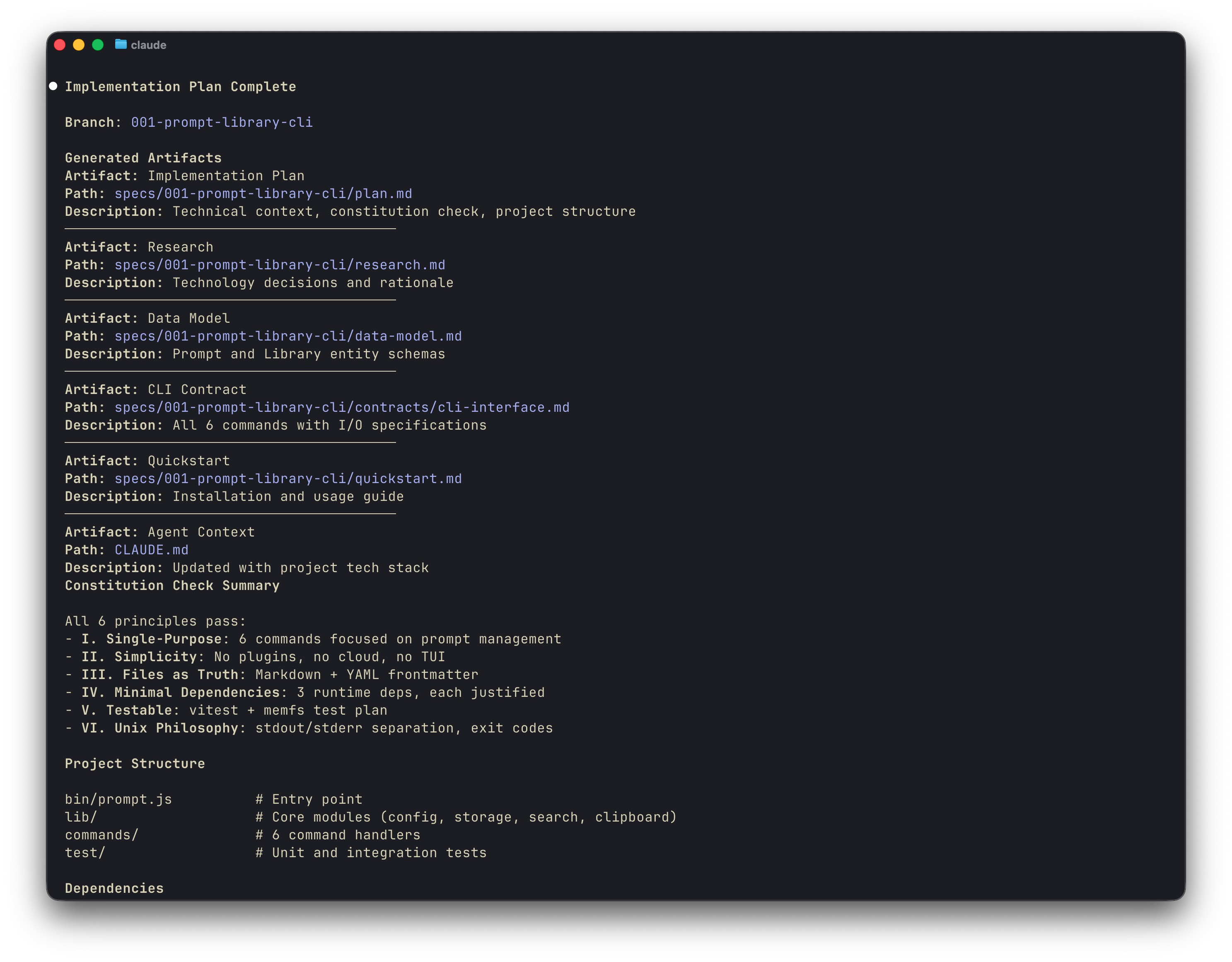
Phase 2: Ralph Loop (autonomous)
/ralph-loop @Prompt.md --completion-promise "ALL_TASKS_DONE" --max-iterations 100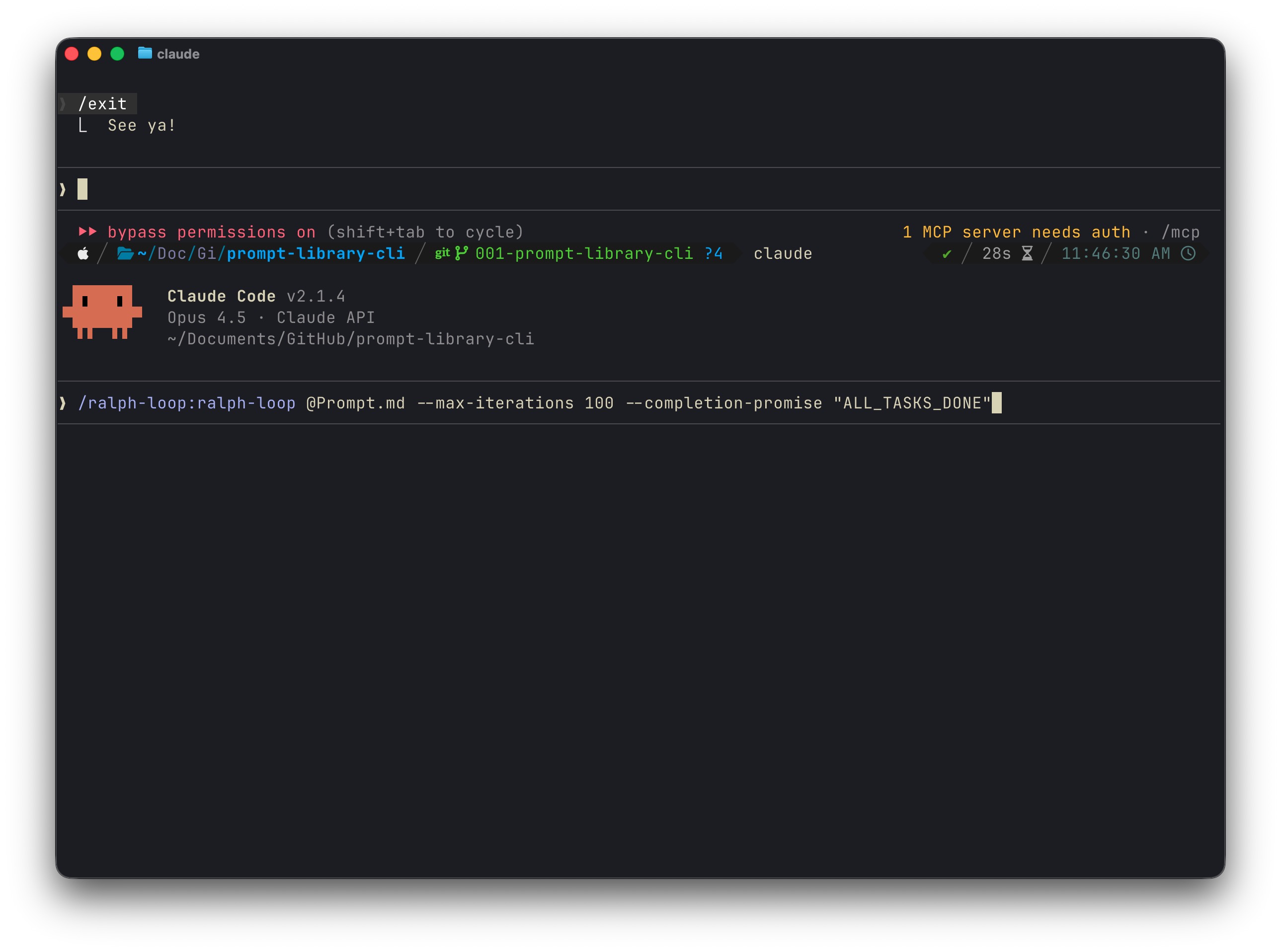
I started it and walked away.
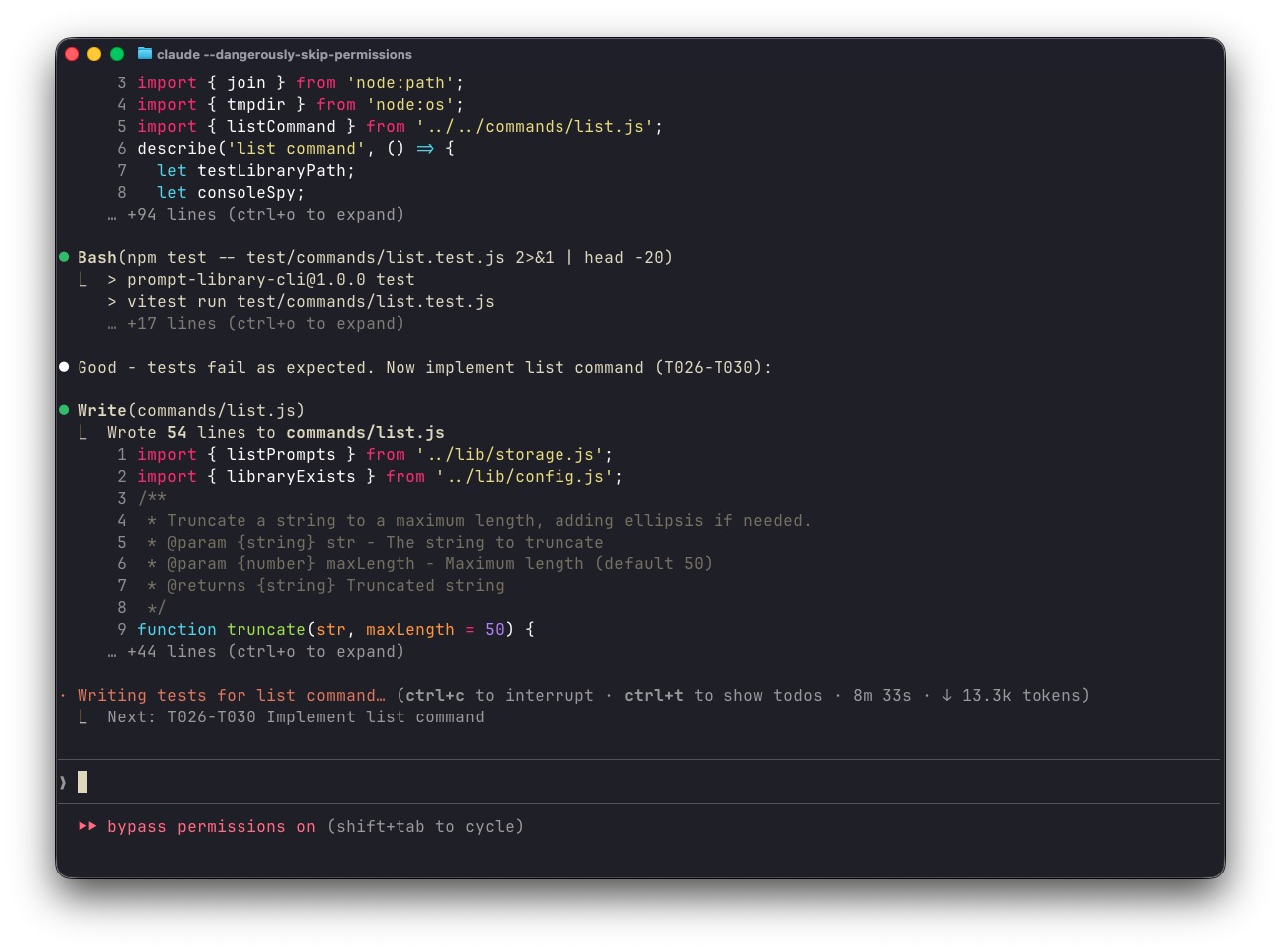
Here’s what it looked like mid-execution:
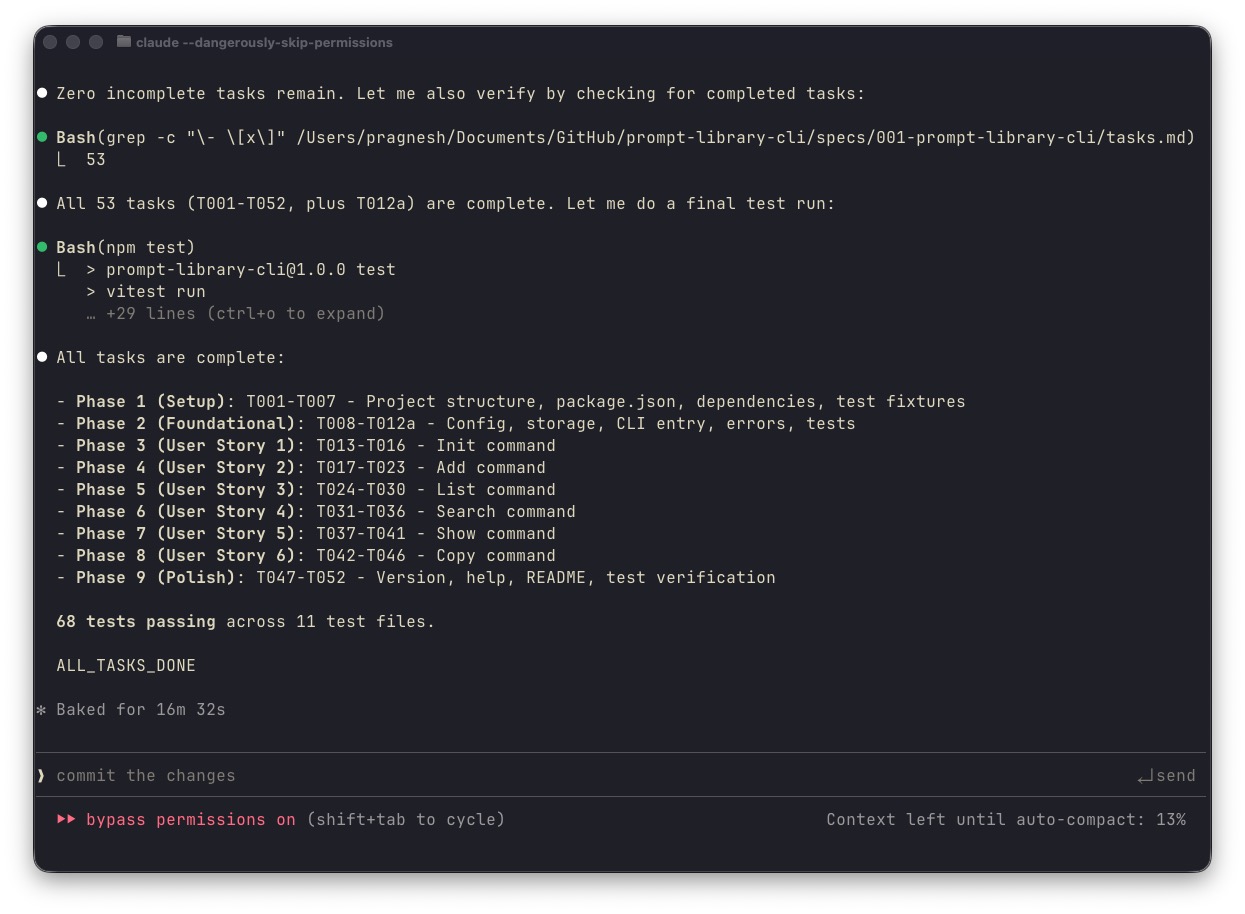
And completion:
The git log shows the progression:
9a466ef Update package-lock.json
6946663 [speckit] T047-T052: Phase 9 complete - polish, README, tests verified
2ee263b [speckit] T042-T046: User Story 6 complete - copy command
93b7562 [speckit] T037-T041: User Story 5 complete - show command
697685b [speckit] T031-T036: User Story 4 complete - search command
7c27f2a [speckit] T024-T030: User Story 3 complete - list command
272f2fb [speckit] T017-T023: User Story 2 complete - add command
83d50ca [speckit] T013-T016: User Story 1 complete - init command
2ce3b1a [speckit] T008-T012a: Phase 2 Foundational complete
216f14c [speckit] T001-T007: Phase 1 Setup complete
20dadfb Initial commit
10 commits from the loop. 52 tasks completed. 68 tests passing. 1,473 lines of code across 24 files; no human intervention after hitting enter.
When This Works (and When It Doesn’t)
This workflow seems to be alright for:
- Greenfield projects: no existing codebase to navigate
- Clear requirements: you know what you want before starting
- Testable outputs: tests provide the “done” signal
- Mechanical work: CRUD operations, CLI tools, API endpoints
Not very well suited for:
- Exploratory work: when you don’t know what you’re building yet
- UI/Design: the AI still has purple gradient problems
- Ambiguous requirements: garbage spec in, garbage code out
- Existing codebases: navigating legacy code requires human judgment
The sweet spot: you have a clear idea, you can spec it, and the implementation is more tedious than creative.
What are some key takeaways to consider?
We’ve been building elaborate agent architectures: multi-agent systems, planning loops, retrieval pipelines; when the solution for a lot of tasks is simpler:
- Write down what you want (Spec Kit)
- Let the AI keep trying until it’s done (Ralph)
- Bridge them with a prompt that knows how to iterate (Prompt.md)
Structure + persistence beats cleverness.
Spec Kit works because it gives the AI what humans need: a clear understanding of what “done” looks like before starting work. Ralph works because it exploits how LLMs interact with filesystems: stateless models, stateful files. The prompt which is a set of clear instructions, bridges them by teaching the loop how to consume the spec.
Neither tool is revolutionary. The combination is.
Try It Yourself
- Install Spec Kit in Claude Code
- Install the Ralph Wiggum plugin
- Run the Spec Kit commands to generate your spec and task list
- Create a
Prompt.mdusing the pattern above - Run
/ralph-loop @Prompt.md --completion-promise "ALL_TASKS_DONE" --max-iterations N - Walk away
Fair warning: this will burn through API credits.
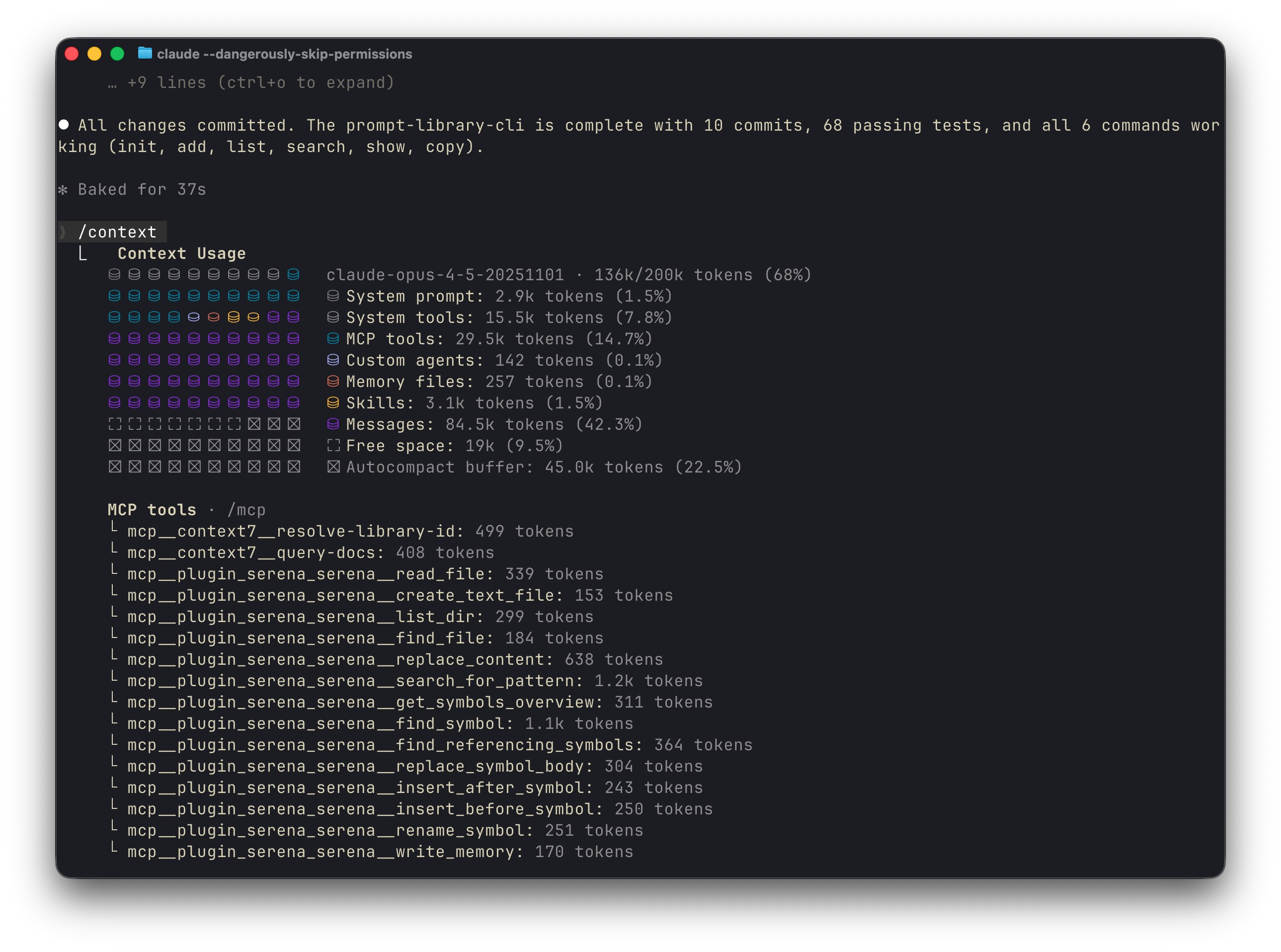
Set a max-iterations limit so you don’t wake up to a surprise bill.
Structure without autonomy is babysitting. Autonomy without structure is chaos.
Spec Kit gives you structure. Ralph gives you autonomy. The Prompt.md bridges them. Together, they let you describe what you want, walk away, and come back to working code, mostly.