airhockey.prg.sh · React · TypeScript · MediaPipe · Google AI Studio
This started as a simple question: how good is Gemini Pro 3 at building something interactive from scratch in Google AI Studio?
The answer: good enough to build a two-player air hockey game controlled entirely by hand gestures.
The Experiment
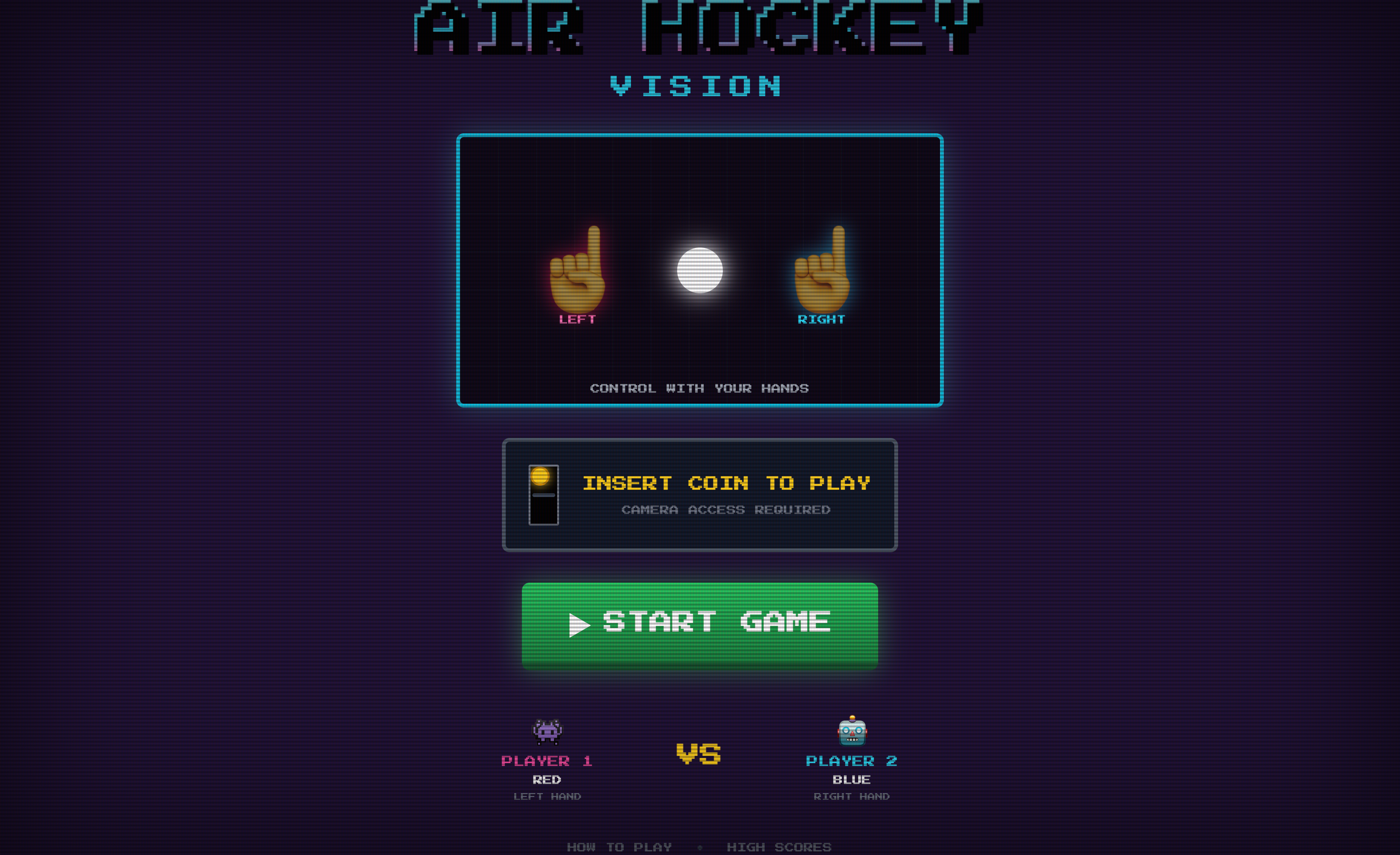
Turn on your webcam. Grab a friend. Each of you points with one hand: left hand controls the left paddle, right hand controls the right. Your index fingers become the paddles. The screen becomes the rink.
No controllers. No keyboard. Just fingers in the air and a puck bouncing between you.
How It Works
The game runs MediaPipe’s hand pose detection at 60fps, tracking index finger positions with 0.6 confidence threshold. It distinguishes left from right hands automatically, so players don’t need to coordinate who stands where.
Physics simulation handles the rest: friction coefficients, collision detection with impulse resolution, paddle-puck interactions. The puck bounces off walls, accelerates on paddle contact, and scores when it passes the goal lines.
The retro arcade aesthetic (neon glow effects, Press Start 2P font, CRT-style scanlines) came straight from the AI Studio generation. I barely touched the styling.
Technical Details
- Canvas: Fixed 1280x720, CSS-scaled for responsiveness
- Tracking: MediaPipe hand landmarks via CDN
- Physics: Paddle radius 40px, puck radius 25px, max speed 45, friction 0.997
- Boundaries: 160px margins from canvas edges
- Stack: React, TypeScript, Vite
What I Learned
Google AI Studio with Gemini Pro 3 handled the full-stack generation better than expected. The hand tracking integration, physics engine, and visual polish all came from iterative prompting. The main friction was getting the paddle boundaries right, which took a few rounds of refinement.
The game is genuinely fun to play. That surprised me more than the technical execution.